

Help › People and account numbers
Edit and merge duplicates
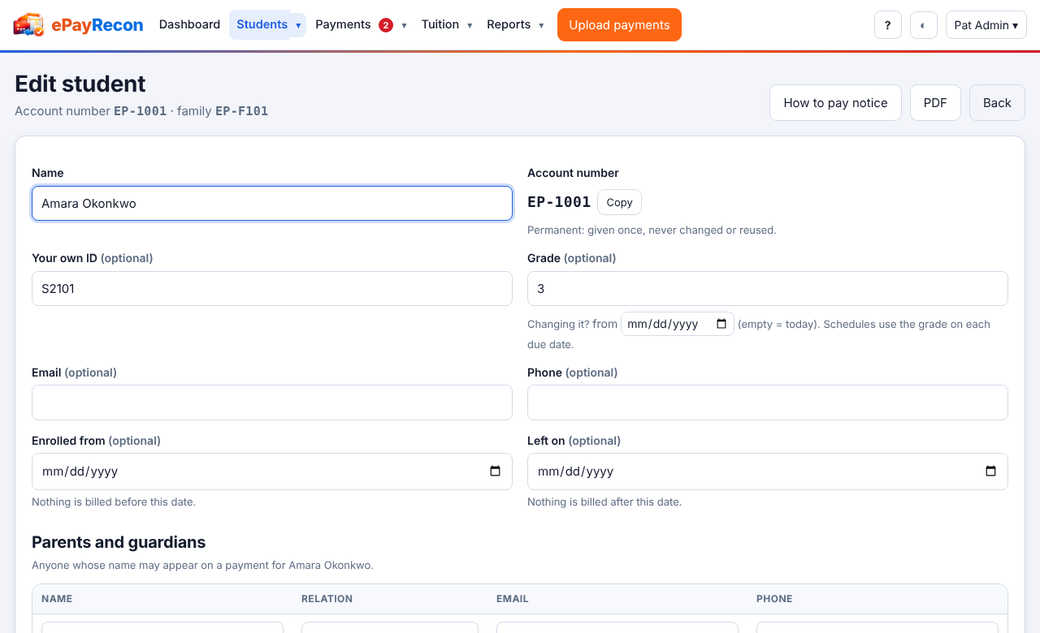
Open a person from the list to change their details, payers, schedule and contacts. Their account number is shown read-only, with a copy button.
Merge a duplicate
- Open the record you want to remove.
- Under Merge into…, choose the record to keep and confirm.
Payments, rules and schedules move to the kept record. The removed record's account number becomes an alias of the kept one, so memos with the old number still match. A record with payments in a finalized list can't be merged until the list is reopened.
Still stuck? Contact us.